

Ecommerce SEO Audit: A Practical Checklist

 Sep 30,2026
 By SEO ANALYSER
Ecommerce SEO audit
A reliable ecommerce audit tests how catalogue architecture, filters, variants, stock data and templates affect discovery, indexation and shopping visibility.
Short answer
An ecommerce SEO audit follows products through the whole discovery system
The audit should verify that valuable categories and products are reachable through crawlable links, that filters do not create uncontrolled URL spaces, that pagination exposes the full catalogue, and that canonical, structured-data, feed and on-page signals agree. The useful output is not an error total; it is a prioritised list of template and data fixes tied to affected products, categories and commercial value.
Audit scope
Start with templates, URL populations and business rules
An ecommerce crawl becomes difficult to interpret when products, categories, filtered lists, search results and campaign URLs are mixed into one undifferentiated export. The scope should first identify every page type, the rules that create its URLs, whether it is intended for indexation, and how it contributes to browsing or purchasing.
A representative sample should include the homepage, top-level and lower-level categories, products with and without variants, in-stock and unavailable products, paginated category URLs, indexable landing pages, filter combinations, internal-search URLs and discontinued products. Crawl data should then be compared with XML sitemaps, Google Search Console indexation reports, server logs where available, and Merchant Center diagnostics where a feed is used.
Pages intended to attract search demand
Canonical category, subcategory, product and selected editorial landing pages should be discoverable, return the intended status, carry consistent indexation signals and provide useful content.
URLs created to support browsing
Sort orders, internal searches, session parameters and low-value filter combinations may help visitors without deserving separate search listings. Their crawl and indexation treatment should be intentional.
Catalogue architecture
Check whether navigation exposes the full sellable catalogue
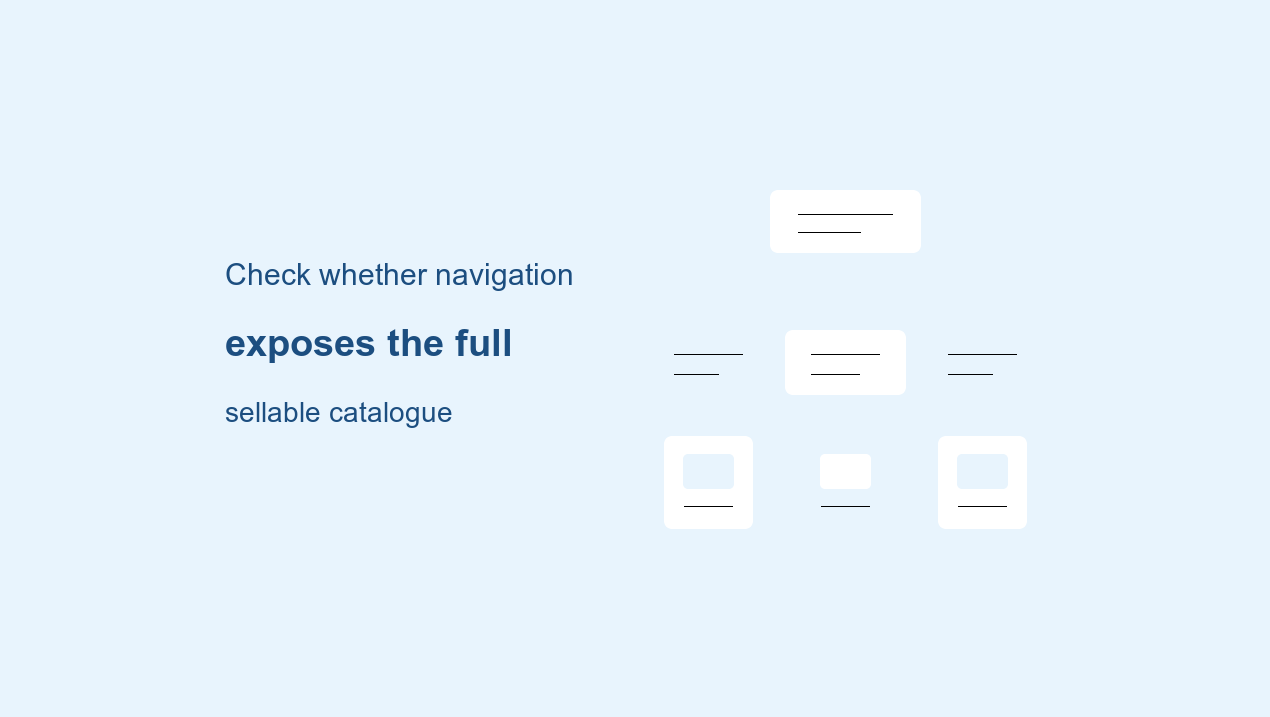
Google states that ecommerce pages should be reachable through links from menus to categories, categories to subcategories and subcategories to products. It also notes that Googlebot generally does not submit queries into an internal search box, so a product available only through site search may not be discovered through normal crawling. Crawlable <a href> links, an XML sitemap or a Merchant Center feed can provide discovery paths where navigation alone is insufficient. Google Search Central documents these ecommerce navigation requirements.
The audit should compare the number of active products in the catalogue database with products reachable from category links, products listed in canonical XML sitemaps and products receiving internal links. Gaps indicate a discovery problem, but the remedy depends on the cause: missing pagination, JavaScript-only navigation, orphaned products, stale sitemaps or inconsistent catalogue rules.
For every suspected orphan, record the product status, canonical URL, sitemap presence, number of crawlable internal links and whether the URL appears in the rendered category path. This separates genuine orphans from intentionally unavailable or non-indexable items.
Filters and parameters
Treat faceted navigation as a URL-governance problem
Colour, size, brand, price and availability filters can generate a very large number of parameter combinations. Google warns that parameter-based faceted navigation can create near-infinite URL spaces, leading to overcrawling and slower discovery of useful content. Google’s faceted-navigation guidance describes this failure mode.
The audit should inventory every filter key, permitted value, combination rule and internal linking source. Each pattern then needs an explicit decision: indexable landing page, crawlable but non-indexable utility state, or blocked crawl path. A blanket rule applied to all filters is rarely adequate because some combinations may represent genuine search demand while others differ only by sort order or produce empty results.
Canonical tags can help Google consolidate duplicate or very similar URLs, but they are signals rather than commands. Google identifies redirects and rel="canonical" as strong canonicalisation signals and sitemap inclusion as a weaker signal; internal links should consistently point to the preferred URL. Google also advises against using robots.txt as a canonicalisation method. Google’s canonical URL documentation explains the relative signals and limitations.
Pagination and loading
Verify that every product remains reachable beyond the first category view
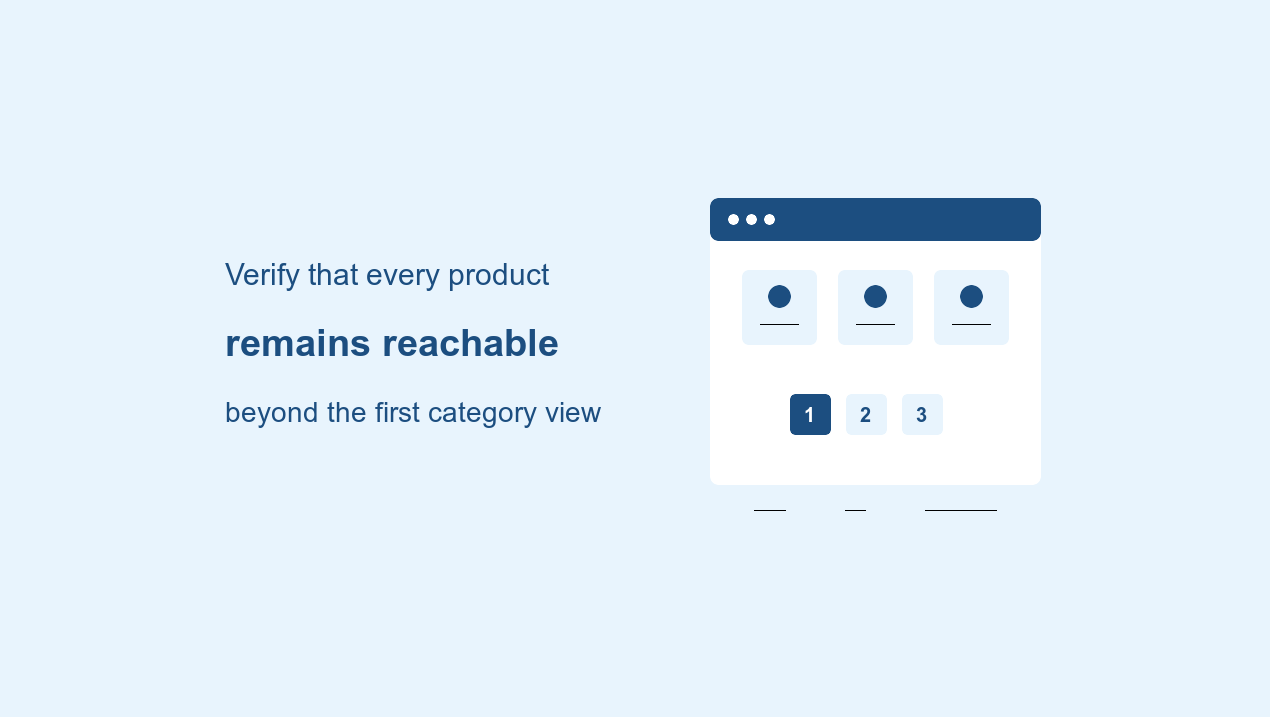
Pagination, load-more controls and infinite scroll can all present part of a category at a time. Google’s crawler generally follows URLs in href attributes and does not click buttons or trigger user actions to reveal more items. Category products therefore need crawlable URL paths even when the visual interface uses JavaScript. Google’s pagination guidance covers discovery for all three patterns.
For paginated series, Google recommends sequential links, a unique URL for each page and a self-referencing canonical on every page rather than canonicalising the whole series to page one. Google also states that it no longer uses rel="next" and rel="prev" for this purpose. The audit should confirm that later pages return stable URLs, remain reachable without scripted clicks and do not disappear behind fragment identifiers.
Products and variants
Audit the rules for variants, unavailable items and replacements
Variant handling should be tested against the store’s actual purchasing model. A store may use one URL with selectable options, separate URLs for every variant, or a hybrid. Google supports product-variant structured data and recommends identifying products that belong to the same parent group. Google’s ProductGroup documentation defines supported variant relationships.
Where variants have separate URLs, the audit should check that meaningful variants remain crawlable, that canonical rules do not erase pages intentionally designed to rank, and that near-identical variants consolidate consistently when separate indexation is not useful. Inventory rules must also distinguish temporarily unavailable items from permanently discontinued products. A temporary stock change does not by itself justify deleting a useful product URL.
For replacements and discontinued lines, status codes, redirects, internal links, sitemaps and feed records should express the same decision. A permanent redirect is appropriate only when a genuinely close replacement exists. Otherwise, the page may remain useful with an unavailable state, alternatives and accurate structured data, or return an appropriate not-found response when no continuing value remains.
Structured data and feeds
Reconcile the page, Product markup, feed and checkout
Google says Product structured data can make product information eligible for richer presentation across Search, Images and Lens, including price, availability, ratings, shipping and returns. Eligibility does not guarantee that an enhancement will appear. Google also supports sending product data through Merchant Center, and states that using both structured data and a feed can help it understand and verify product information. Google’s Product structured-data documentation describes these options and limitations.
The audit should compare visible product data with JSON-LD and the feed for a sample of products and variants. Price, currency, availability, identifiers and variant attributes should agree. Merchant Center requires submitted availability to match the landing page, checkout and structured data; it applies the same consistency principle to price and currency. The Merchant Center product data specification sets out these requirements.
Valid markup creates eligibility, not a guaranteed search feature or ranking improvement. Reporting should distinguish validation, eligibility, actual impressions and commercial outcomes.
Template performance
Measure performance by page type, not only by the homepage
Core Web Vitals measure real-world loading performance, responsiveness and visual stability. Google’s documented good-experience thresholds are LCP within 2.5 seconds, INP below 200 milliseconds and CLS below 0.1. Google Search Central publishes the metric definitions and thresholds.
An ecommerce audit should segment field data and lab tests by product, category, search, editorial and checkout-related templates. Product galleries, review widgets, personalisation, consent tools and third-party scripts can create template-specific problems that a homepage test does not reveal. Findings should identify the affected template and component rather than treating every slow URL as a separate task.
Practical workflow
Run the audit in a sequence that preserves evidence
- 01
Map the catalogue system
Document page types, URL generators, indexation intent, product states, variant rules and data sources before crawling.
- 02
Build representative URL samples
Include categories, deep products, variants, filters, pagination, internal search, unavailable items and recently changed templates.
- 03
Crawl from more than one source
Compare navigation discovery with XML sitemaps, known product exports and Search Console data to expose missing or isolated populations.
- 04
Test rendered discovery paths
Confirm that links and products remain present after rendering and that pagination does not depend solely on clicks or scrolling.
- 05
Reconcile canonical and indexation signals
Compare status, robots directives, canonical target, sitemap membership and internal-link destination for each important template.
- 06
Reconcile commercial data
Compare visible price and stock data with structured data, feed records and checkout behaviour across representative variants.
- 07
Validate fixes by template
Recrawl affected populations and retain before-and-after evidence instead of closing tasks immediately after deployment.
Prioritisation
Prioritise by lost discovery, template scale and commercial exposure
| Priority | Evidence | Typical examples | Validation |
|---|---|---|---|
| Critical | Important catalogue population cannot be discovered, crawled or indexed | Blocked product directory, broken pagination, sitewide canonical fault | Recrawl, rendered-link check and indexation review |
| High | Template issue affects valuable categories or many sellable products | Uncontrolled filter URLs, feed/page price mismatch, orphaned best sellers | Pattern-level crawl and data reconciliation |
| Medium | Pages remain accessible but interpretation or experience is weakened | Incomplete variant markup, weak internal linking, poor template CWV | Markup validation, link comparison and field-data monitoring |
| Low | Limited scale or no demonstrated search and revenue exposure | Minor optional markup gaps, isolated metadata clean-up | Spot check after higher-impact work |
Authority and location work should follow the technical catalogue review rather than obscure it. The existing guides to the Google Search Console Links report and enterprise local SEO for multi-location businesses cover those separate workflows where they apply.
Frequently asked questions
Ecommerce SEO audit FAQs
What should an ecommerce SEO audit include?
An ecommerce SEO audit should examine catalogue discovery, category architecture, faceted navigation, pagination, product and variant URLs, canonical and indexation signals, structured data, Merchant Center consistency, internal links and template performance.
Should every filtered category URL be indexed?
No. Filter URLs should receive an explicit decision based on distinct search demand, useful content and technical control. Sort orders, empty combinations and near-duplicate states commonly belong outside the index, while selected landing pages may justify indexation.
Should paginated category pages canonicalise to page one?
No. Google recommends a unique URL and self-referencing canonical for each page in a paginated sequence rather than canonicalising every page to the first page.
How should out-of-stock products be handled?
The correct treatment depends on whether the product is temporarily unavailable, permanently discontinued or replaced. Stock status should remain consistent across the visible page, structured data, Merchant Center feed and checkout, while redirects should be reserved for genuinely close replacements.
Does valid Product structured data guarantee rich results?
No. Valid Product structured data can create eligibility for enhanced presentation, but Google decides whether and how those features appear. Validation, eligibility and actual search impressions should be reported separately.
Summary
An ecommerce SEO audit is a systems audit, not a collection of isolated page checks. The strongest process maps how catalogue rules create URLs, verifies that valuable products remain discoverable, controls filters and pagination, reconciles product data across every surface and groups findings by template. Evidence, scale and commercial exposure determine priority; deployment is complete only after the affected population has been recrawled and validated.
Primary sources
Sources and further reading
- Google Search CentralEcommerce website structure
- Google Crawling InfrastructureManaging faceted navigation
- Google Search CentralPagination and incremental loading
- Google Search CentralCanonical URL guidance
- Google Search CentralProduct structured data
- Google Search CentralProduct variant structured data
- Google Merchant CenterProduct data specification
- Google Search CentralCore Web Vitals




