

Why is keyword mapping essential for SEO growth

 Jul 15,2026
 By SEO ANALYSER
SEO strategy · Keyword mapping
Keyword mapping stops pages from competing against each other, gives every URL a clear job, and makes site structure easier for search engines to understand.
Short answer
Map one clear job to each URL
Keyword mapping matters because it stops your pages from competing against each other, gives every URL a clear job, and makes your site structure easier for search engines to understand. Skip it, and you'll waste content budget on pages fighting for the same rankings.
Definition
What keyword mapping actually means
Most business owners publish blog posts and hope for the best. They don't check which page should rank for which search term, until two of their own pages start fighting each other on page one. If you run a website with more than a handful of pages and you want your organic traffic to actually grow, this guide explains why keyword mapping needs to happen before you write another word of content.
Here's the deal. Keyword mapping is the process of matching one target keyword, or a small group of closely related terms, to one specific page on your site. Not five pages. One.
Each mapped keyword should reflect the search intent behind it: is someone looking to buy, compare, or just learn something? Get that wrong and no amount of content polish will save the page.
In my experience, most Australian small business sites don't have a proper map at all. They've got a spreadsheet of keywords sitting somewhere, and a bunch of landing pages built without much thought about which term each one is actually meant to own. That gap is where growth stalls.
Growth
Why keyword mapping is the backbone of SEO growth
Nine times out of ten, when a site plateaus after early wins, the cause traces back to a missing or messy keyword map. Growth isn't just about publishing more. It's about making sure every page you already have is pulling its weight for the right term.
Here's why this is the bit most people skip. When you do proper keyword research and then map each term to a page, you're forced to look at your whole site as a system, not a pile of separate articles. You start spotting content gaps you didn't know existed, keyword gaps where competitors rank for terms your site does not, and pages that overlap so closely they're basically arguing with each other in the search results.
Think of a Brisbane plumbing business with pages for "hot water system repair," "hot water repairs Brisbane," and "emergency hot water service." Without a map, all three might target roughly the same search. With a map, you'd assign one page to the commercial "repair" intent, fold the location term into that same page, and repurpose the third for emergency call-outs specifically, a genuinely different intent.
A simple map might look like this:
| Page | Target Keyword | Search Intent |
|---|---|---|
| Hot water repairs (service page) | hot water system repair Brisbane | Commercial |
| Emergency call-out page | emergency hot water service | Urgent/transactional |
| Blog guide | how hot water systems work | Informational |
Once you see it laid out, the overlap disappears and each page has a clear job. That's when topic clusters start actually functioning as clusters instead of a random pile of posts loosely related by topic. Build the keyword map first, and the content strategy that follows has a far better shot at compounding over time instead of cannibalising itself.
Overlap
How keyword mapping stops keyword cannibalisation
Keyword cannibalisation happens when two or more pages on your own site target the same keyword, and Google can't work out which one deserves to rank. Nobody wins that fight. Sometimes both pages rank worse than if only one existed.
Fair enough if you're just starting out and you've only got a dozen pages. But once a site grows past 50 or so pages, cannibalisation creeps in without anyone noticing. Someone writes a new blog post about a topic that's already covered, because nobody checked the map first.
A proper keyword map is the fix, not a patch after the fact. Before a new page goes live, you check the map, confirm the keyword isn't already assigned elsewhere, and either merge the content into the existing page or pick a genuinely different angle. That single check saves hours of untangling duplicate content issues down the track.
Cannibalisation also muddies the ranking signals Google receives about your site. Split links, split relevance, split authority. Fixing it usually means consolidating pages, not writing more of them.
Architecture
Keyword mapping and your site structure
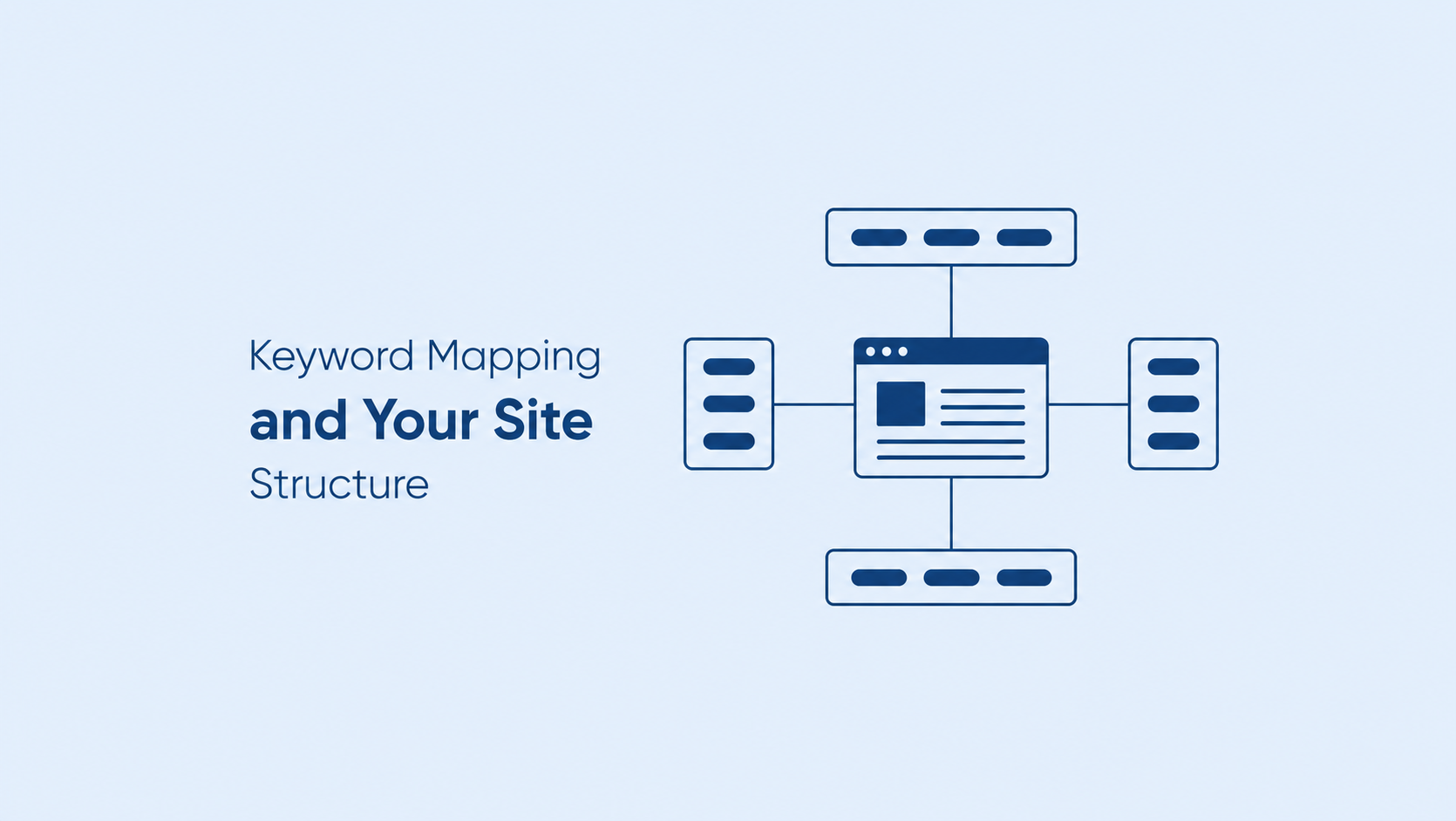
Your site structure is basically the skeleton keyword mapping hangs off. Get the map right and the structure tends to follow naturally, because you'll know exactly which pages should sit under which category, and how they should link to each other.
Weak internal linking is one of the clearest signs a site was built without a map. Pages get published in isolation, with no clear parent or sibling pages to connect them, so search engines struggle to understand which topics matter most to the business.
A mapped site makes URL structure decisions easier too. You know a page targeting "commercial cleaning Brisbane" belongs under a services folder, not floating off on its own with a random slug. That consistency helps search engines crawl and understand the site, and it helps visitors find their way around without getting lost.
No need to overcomplicate it. Draw the map first, then let the folder structure and internal links follow the logic you've already worked out.
Workflow
Building a keyword mapping process that actually works
You don't need fancy software to start. A spreadsheet does the job for most small to mid-sized sites. What matters is the process behind it, not the tool.
- 01Pull every keyword you're currently ranking for or targeting, using Search Console and a keyword research tool.
- 02Group keywords by search intent, not just by topic similarity.
- 03Assign one primary keyword and a small cluster of supporting terms to each existing page.
- 04Flag keywords with no home yet, these become your new content briefs.
- 05Flag pages competing for the same term, these need merging or re-scoping.
- 06Review the map every quarter and update it as rankings shift.
This is where your content strategy stops being a list of blog ideas and starts being a plan tied to actual pages and actual primary keyword targets. When you assign those targets, check keyword difficulty as a guide to whether ranking for that term is a realistic goal for the page. Run a content audit alongside this process and you'll usually find old pages worth updating instead of writing fresh ones.
Watchouts
Common mistakes businesses make with keyword mapping
The biggest one: treating keyword mapping as a one-off task instead of a living document. Rankings shift, new competitors show up, and search intent for a term can change over a year or two.
Another common slip is mapping keywords to pages that don't exist yet, then never actually building them. The map becomes wishful thinking rather than a working plan. And plenty of sites map at the blog level only, ignoring service and category pages that carry far more commercial weight.
Keep it simple. Map what exists, build what's missing, and revisit it on a set schedule.
Stack
Tools that make keyword mapping easier
You don't need a huge stack to do this properly. I run SEO Analyser and Google Search Console for most of the groundwork, since they show which pages already rank for which terms, which is half the mapping job done for you.
For a smaller site, a spreadsheet and Search Console data will get you most of the way there. Once a site gets bigger, it pays to crawl every URL and cross-check it against your keyword list. The tool matters less than actually doing the mapping and keeping it updated, since that's what protects your organic traffic over time.
Cadence
How often should you update your keyword map
Quarterly is a reasonable default for most small business sites. E-commerce sites with frequent new products or seasonal ranges may need a check every month or two.
Update it sooner if you notice ranking drops, publish a batch of new pages, or restructure your navigation. A map that hasn't been touched in a year is basically outdated documentation, not a working tool.
A practical next step
Where SEO Analyser fits
SEO Analyser includes a module named Keyword Research.
Common questions
FAQs
What's the difference between keyword mapping and keyword research?
Keyword research finds and evaluates the terms worth targeting. Keyword mapping takes that list and assigns each term to a specific page. Research answers "what should we target," mapping answers "where does it live." You need both, in that order, for the process to actually work.
Does keyword mapping help with keyword cannibalisation?
Yes, and it matters more than most people realise. Mapping forces you to check whether a term is already assigned to a page before you publish something new. That single check prevents most cases of pages competing against each other for the same search term.
How does keyword mapping affect site structure?
A proper map usually reveals a clearer site structure than you started with, because it shows which pages belong together and how they should link. Without a map, sites tend to grow in a scattered way, with weak internal linking and inconsistent URL patterns across similar pages.
Can I do keyword mapping without expensive tools?
Absolutely. A spreadsheet, Google Search Console, and a bit of discipline will cover most small sites. Paid tools can speed up crawling and cross-checking on larger sites, but they're not required to build a working first version of your map.
How many keywords should be mapped to one page?
Usually one primary term plus a handful of closely related supporting terms that share the same search intent. Trying to squeeze several unrelated terms onto a single page tends to dilute relevance rather than build it, and often leads straight back to cannibalisation.
When should a keyword map be rebuilt rather than just updated?
Rebuild it after a major site restructure, a rebrand, or if it's been more than a year since the last proper review. Small quarterly updates usually keep a map current without needing a full rebuild from scratch.
Summary
Keyword mapping isn't an optional extra bolted onto your SEO work. It's the plan that stops pages competing against each other, keeps your site structure logical, and gives your content strategy an actual target instead of a vague direction. Sites that skip it tend to plateau, not because the content is bad, but because nobody decided which page should own which term.
Build the map before you write the next page, not after. Check it against your existing content, fix the overlaps, fill the real gaps, and review it every few months. That's the whole job. Do it properly, and your organic traffic has a far better shot at growing in a way that actually holds.
References
Sources and further reading
- SEO AnalyserKeyword gap analysis quick wins
- SEO AnalyserKeyword difficulty checker




