

Local Rank Tracking for Local Pack and Organic Results

 Oct 21,2026
 By SEO ANALYSER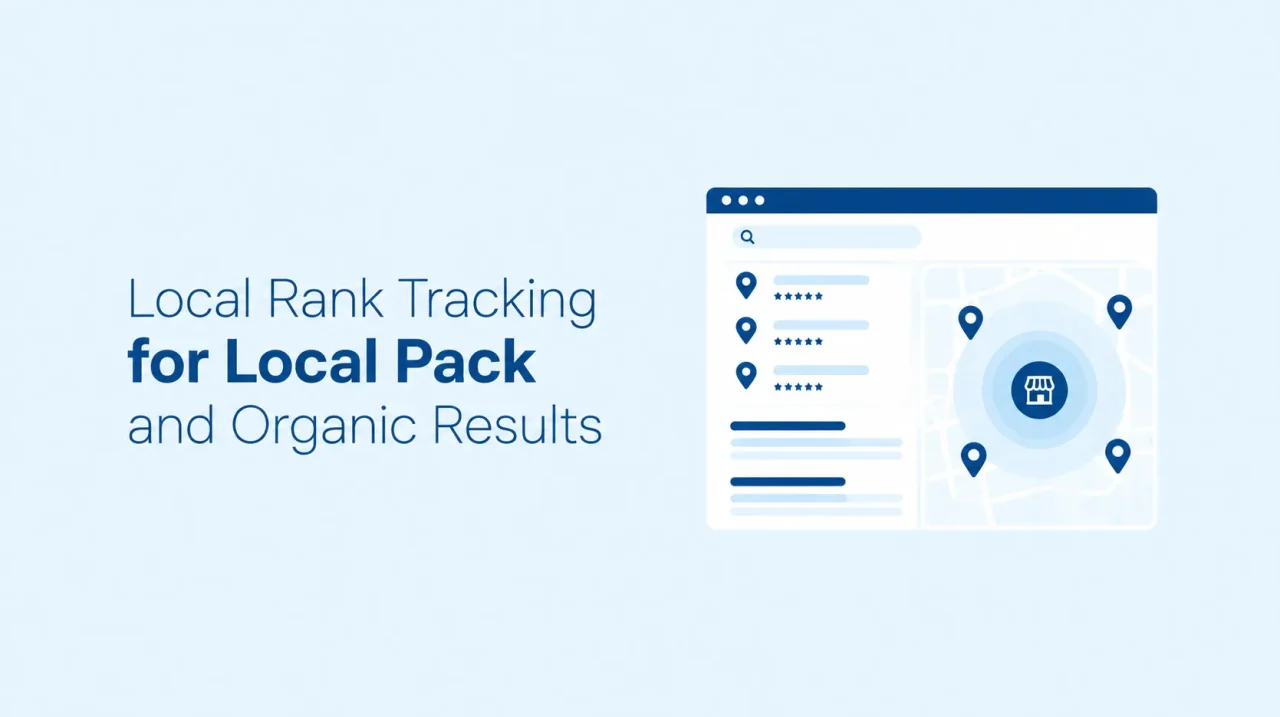
Local SEO guide
Your local ranking changes with every street the searcher stands on. Local rank tracking measures that, in both the Local Pack and the organic results. Here's how it works and how to run it in SEO Analyser.
Short answer
Local rank tracking shows where your business ranks from different places around it, not from one spot
Local rank tracking measures your position for a search term from several locations around your business, in the Local Pack (the map-based list of businesses) and in the regular organic results. A single ranking number hides the real picture, because Google's local results depend heavily on how far the searcher is from you. Tracking from many points shows where you are strong, where you disappear, and which fixes are worth your time.
Definition
What is local rank tracking?
Standard rank tracking checks one position per keyword. Local rank tracking adds a second question: from where? A café can be first for "coffee shop" two streets from its door and absent from the results across town, and both are true at once. Tracking only one point would show you one of those stories.
Businesses, ranked by place
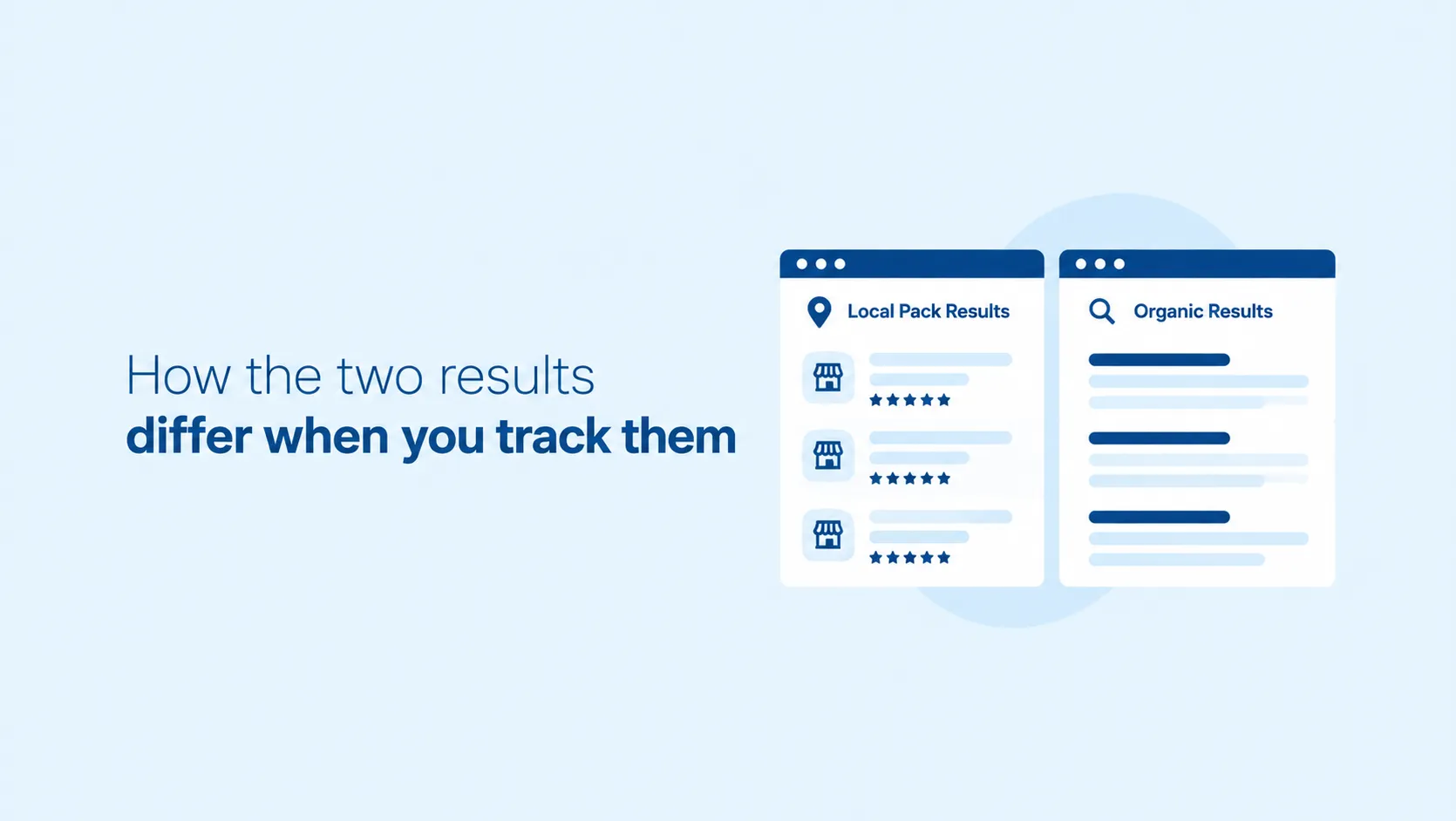
A short list of nearby businesses shown with a map. It is built from Business Profiles, so reviews, categories, and accurate business details matter, and the searcher's position changes who appears.
Web pages, ranked by content
The usual list of pages below it. Your website, its content, and its links drive these positions, and location has less influence than it does in the Local Pack.
A business can do well in one and poorly in the other, which is why tracking only one of them gives a partial answer. A Google Maps rank tracker covers the Local Pack side, while organic positions need a standard check.
Local Pack vs organic
How the two results differ when you track them
| Local Pack | Organic results | |
|---|---|---|
| What ranks | Your Business Profile | Your web pages |
| Searcher location | Strong effect on who appears | Smaller effect |
| One position is enough? | No: it changes block by block | Usually closer to one number |
| What you track | Position across a grid of points | Position for a keyword, location and device |
| What moves it | Profile completeness, reviews, citations | Content, links, technical health |
Ranking factors
What decides your local position
Google states that local results are based primarily on three factors. Knowing them tells you what a tracked map is actually showing.
Relevance
How well your Business Profile matches the search. Complete, detailed business information helps Google match you to the right queries.
Distance
How far your business is from the person searching. This is the reason one ranking number is never the whole story.
Prominence
How well known your business is, including information from across the web such as links and directories, plus review count and score. Consistent NAP consistency across listings supports it, and so does a healthy review response rate.
Google also says there is no way to request or pay for a better local ranking, so tracking is for finding where to improve, not for buying position.
What to look for
What to look for in a local rank tracker
A tool that returns one number per keyword will mislead you for local queries. Check for these four things:
A grid, not a point
Positions from many points around your business, shown as a map, so weak areas are visible at a glance.
Local Pack and organic
Both result types tracked, so you can tell whether a gap lives in your profile or in your website.
Fixes in the same place
Profile, listing, and review checks beside the rankings, so a weak area leads straight to a task.
Multi-location reporting
Separate projects and exportable reports for each location or client, without rebuilding anything by hand.
SEO Analyser's Local SEO module is built around that combination: a geo grid rank tracker, business profile and citation checks, and reports you can export. You can run it on your own business free for 7 days.
Start your 7-day free trialWorkflow
How to track local rankings in SEO Analyser
- 01
Add your business
Create a project with your business name and location, so every check is anchored to the right place.
- 02
Choose local-intent keywords
Pick the service and area phrases customers actually search, such as a service plus a suburb, instead of broad terms.
- 03
Set the grid around your location
Choose the size and spacing that match how far your customers realistically travel, then run the check.
- 04
Read the weak zones
Look for areas where you drop out of the results. Strong positions near your address and weak ones further out are normal, so focus on the areas that matter commercially.
- 05
Fix what the weak zones point to
Start with a Google Business Profile audit, since completeness and accuracy feed relevance, then the listings and reviews behind prominence.
- 06
Re-run and compare
Repeat the same grid after changes and monthly after that. Keep keywords, grid size, and location fixed so the comparison is fair.
Limits
What local rank tracking can't tell you
It is a sample, not what every customer sees. Results can vary with the person's device and search history, so treat a grid as a consistent measuring stick, not a live view of every search.
It can't buy you a better position. Google says local ranking cannot be requested or paid for, so the grid only shows where to work.
Service-area businesses need care. If you serve customers at their location rather than yours, read the grid with that in mind. The service area business guide covers how to set it up.
Position is not enquiries. A strong map still has to turn into calls, visits, and bookings, so judge success on those, not on colour alone.
SEO Analyser
See where you really rank around your business
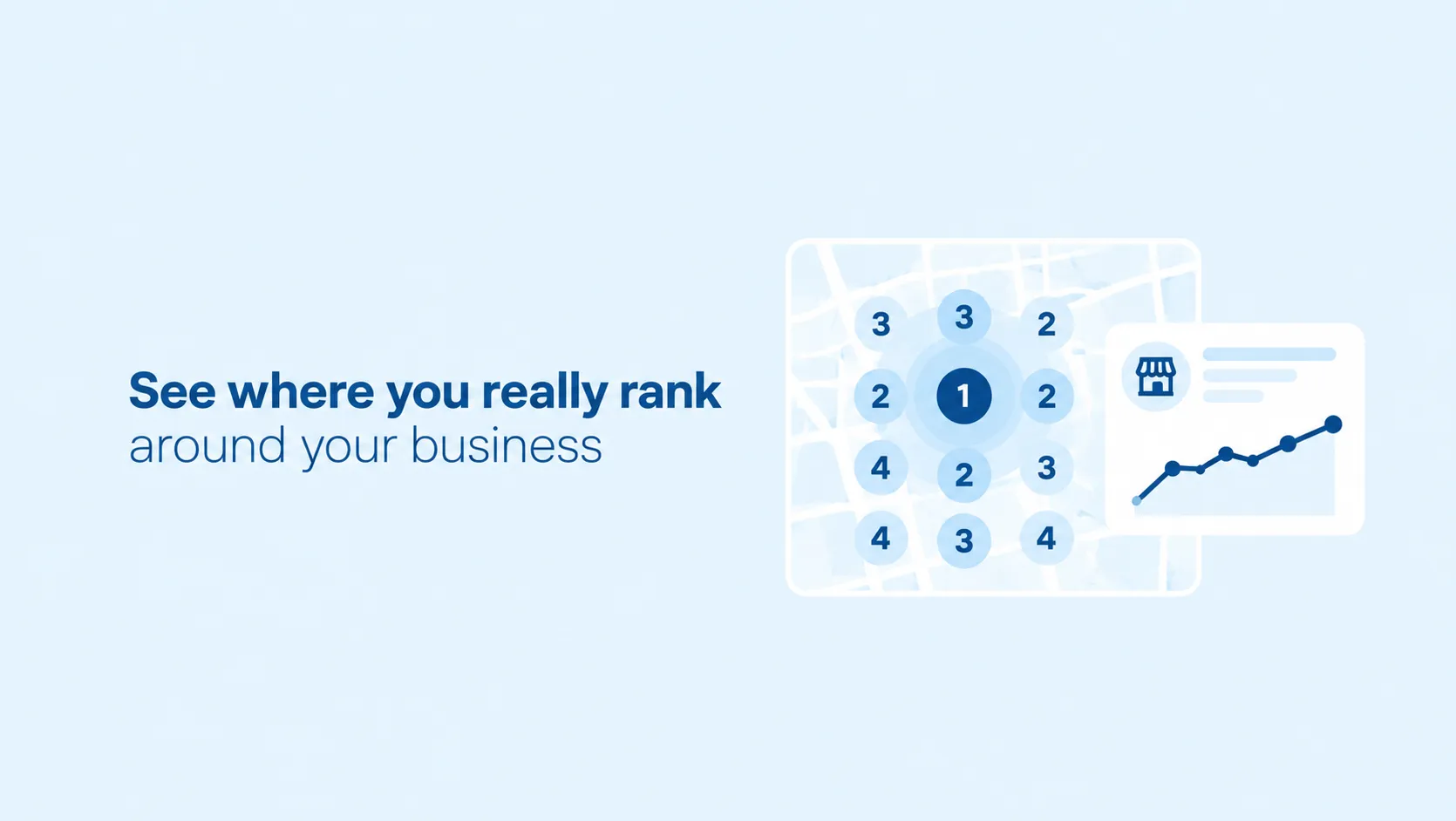
Run a local rank check on your own business and see your position from the streets your customers search from, then follow the weak zones to the profile, listing, and review fixes behind them. Free for 7 days.
Start free trialFrequently asked questions
Local rank tracking FAQs
Why do I rank differently in different parts of my city?
Distance is one of Google's three local ranking factors, so the searcher's position changes which businesses are shown. That is the reason to track from a grid.
How often should I check local rankings?
Run a check before you make changes, then again after them, and monthly as a routine. Keep the keywords and grid the same so results stay comparable.
Can I track several locations?
Yes. Create a project for each location. The Business plan includes unlimited projects. Pro and Business plans add PDF export, and scheduled report delivery is included on Business and available as an optional add-on on Pro.
Can I try SEO Analyser before paying?
Yes. There is a 7-day free trial, so you can test it on your own business before choosing a plan.
Summary
Track from a grid, in both result types, and let the weak zones set your to-do list. SEO Analyser keeps the local rank check beside the profile, citation, and review fixes, so a gap on the map leads straight to a task.
References
Sources and further reading
- GoogleHow to improve your local ranking on Google (Business Profile Help)
- SEO AnalyserLocal SEO
- SEO AnalyserGoogle Business Profile Audit
- SEO AnalyserNAP Consistency: The Silent Ranking Factor
- SEO AnalyserReview Response Rate and Local SEO
- SEO AnalyserLocal SEO for Service Area Businesses




