

How Local Search Grid Work and How to Read the Results

 Oct 18,2026
 By SEO ANALYSER
Local rank tracking
How a local search grid shows where your business ranks on Google, point by point, and how to read the results.
Short answer
What is a local search grid?
A local search grid checks your Google ranking from several points around your business, not just one. Each point shows your local pack and organic position, so you see where you appear and where you do not.
The problem
Why one ranking number is not enough
Google changes local results depending on where the person searching is standing. Someone two streets from a dental clinic and someone across town can type the same words and see different businesses. A single "you rank #3" tells you how you look from one spot, usually the one where the check was run.
That is why a plain rank tracker that reports one position can mislead. You might rank well at your front door and be missing from the neighbourhoods where most of your customers actually search. A grid replaces the single number with a map, so the difference between places becomes visible.
It also helps if you do not have a shop. A plumber or a mobile groomer is a local SEO service area business: they serve an area, not an address, and the grid shows how far that area really reaches in Google's eyes.
The mechanics
How the local search grid works
SEO Analyser lays a set of points over the map around your business. At every point it searches your keyword on Google as if from that location and records where your business appears. The result is one rank per point instead of one rank overall.
- 01
Choose the centre of the grid
Setup starts from your business address, and the grid is built around the location you choose, such as the middle of your service area. How to pick that location is covered in where to track local rankings.
- 02
Pick the grid size
You can run a 3×3 grid (9 points) or a 4×4 grid (16 points). A 3×3 grid is a quick read of your immediate surroundings. A 4×4 grid gives more detail across a wider area. With a 3×3 grid one point sits on the location you chose; with a 4×4 grid that location falls between the four middle points.
- 03
Set the distance between points
The gap between points decides how much ground the grid covers. A small gap suits a dense city where a few streets change the result. A larger gap suits a town or a service area.
- 04
Choose the keyword
Use the words a customer would type, such as "emergency plumber" or "dentist near me". Each keyword gets its own grid, so you can switch between them.
- 05
Read the map
SEO Analyser searches the keyword at each point, records your position, and re-checks every day so you can watch the pattern change.
| Grid | Points | Best for |
|---|---|---|
| 3×3 | 9 | A fast check of the area right around one location |
| 4×4 | 16 | A wider, more detailed view of a neighbourhood or service area |
Setup
How to Choose Grid Size and Point Spacing for Your Area
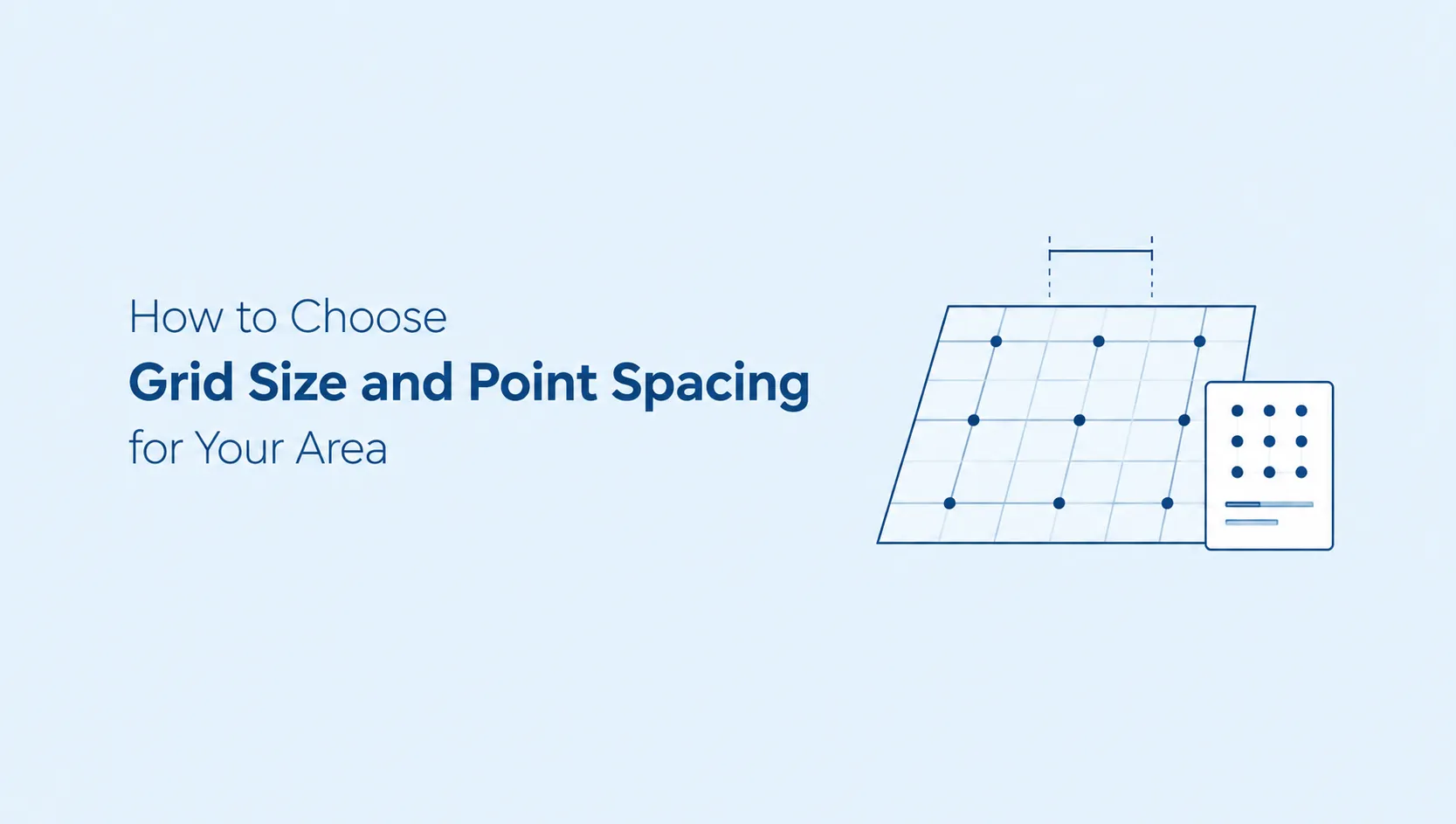
Size and spacing work together. The grid spans the spacing multiplied by one less than the number of points on a side, so a 3×3 grid with 1 km between points covers 2 km edge to edge, and a 4×4 grid with the same spacing covers 3 km. Start from the distance you need to cover, then pick the size that reaches it without stretching the spacing.
Spacing should follow how quickly results change where you are. In a dense city a few streets can change who appears, so tight spacing shows detail that wide spacing would average away. For a town or a service area, wider spacing is needed for the grid to reach the edge of the area you serve.
Two mistakes are common. Spacing that is too wide jumps over the pockets where your ranking changes, so you see a gentle slope where there is a cliff. Spacing that is too tight packs every point into one neighbourhood, and the grid reads as a single location again. Once you have a setup that fits, keep it, so later grids stay comparable.
Two result types
Local pack vs organic results at each point
A local search usually returns two different things, and a business can do well in one and badly in the other. The grid tracks both at every point.
The map and three businesses
The block Google shows with a map and three business listings. It draws on Business Profiles, so it is where profile quality and proximity matter most.
The standard blue links
The web results below the pack. They depend on your website pages, so a strong page can rank here even when your listing does not appear in the pack.
Checking both tells you which part needs work. A business that appears in organic results but not in the pack at a point has a different problem from one that is missing from both.
Interpretation
How to read your local search grid
Do not look for one good number. Look for the shape. Most grids fall into a few patterns, and each one points to a different next step.
| What you see | What it usually means | What to check |
|---|---|---|
| Strong near you, weaker further out | Distance is working against you. This is the most common pattern and is normal. | Decide whether the weak points are areas you want to serve. If they are, work on those areas. |
| Weak at every point, even close by | The problem is not distance. Relevance or profile strength is likely the cause. | Your business categories, services and the completeness of your profile. |
| Weak on one side only | Something specific to that side of the map is working against you. | Whether that side is an area you want to serve, and how your categories, services and profile match searches from there. |
| Good organic rank, missing from the pack | Your website is working, but your Business Profile is not winning the pack. | Profile information, reviews and recent activity. |
A point where you do not rank is a prompt for a decision, not a verdict. Ask whether that area is one you want to serve, and what in your profile or pages would have to change for you to appear there.
For profile problems, Google Business Profile monitoring shows what to track and which changes to act on, and a Google Business Profile audit finds the gaps in the listing itself.
Trends
How to Compare Local Search Grid Results Over Time
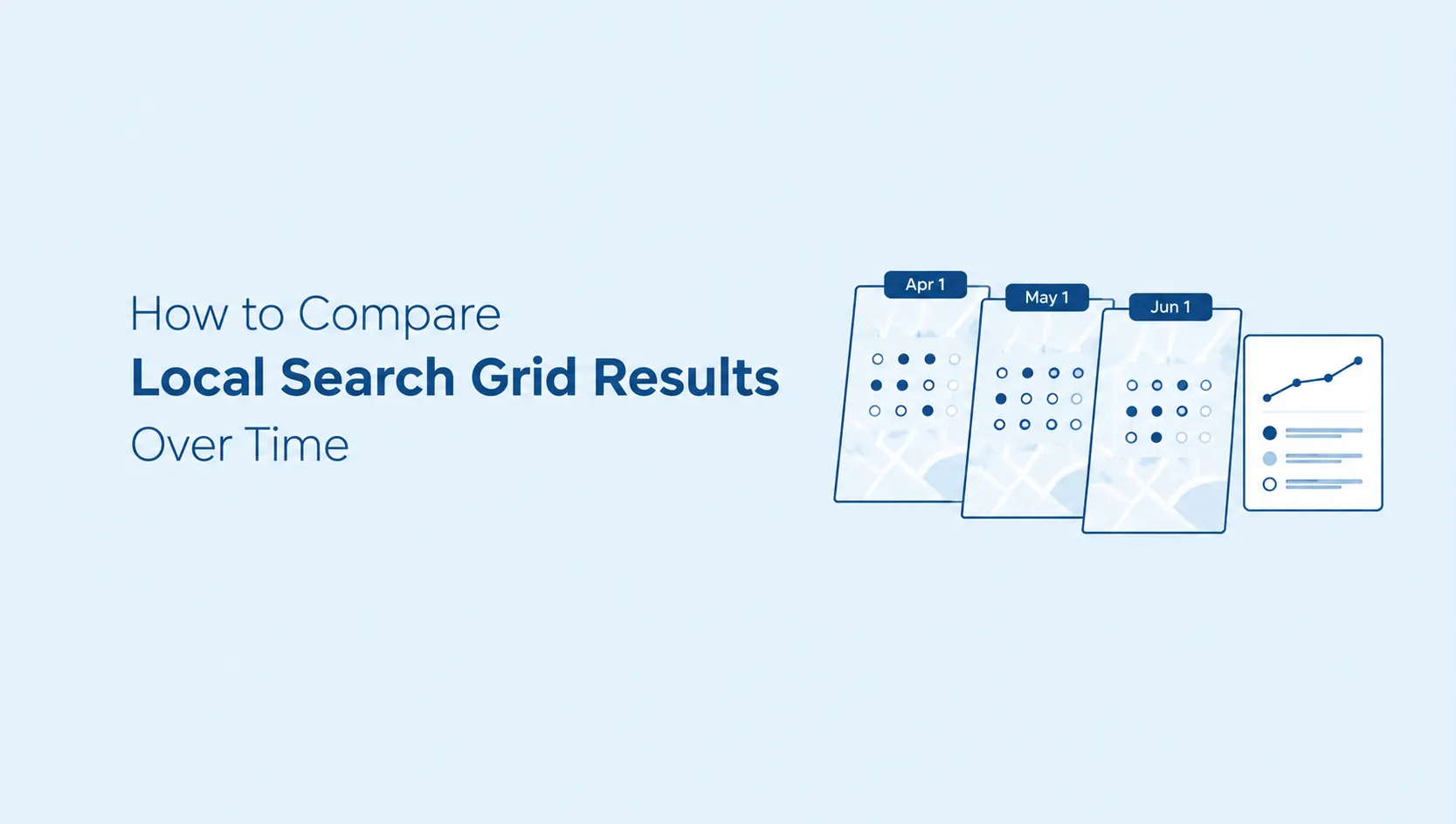
A single grid is a snapshot, so the useful question is what changed between two grids built the same way. Keep the keyword, the centre, the grid size and the point spacing identical. Change any of them and you are comparing two different maps, not one map over time.
Compare counts rather than impressions. Count the points where you appear in the local pack and the points where you appear in organic results, separately, and compare those counts from week to week. A move from five points to eight is a clearer signal than a map that looks greener.
| What changed | How to read it |
|---|---|
| One point moves a few places, then returns | Normal variation. Do not act on it. |
| Several neighbouring points improve and the gain holds across readings | A real gain. Check what you changed before it started. |
| Points near the centre drop | Distance has not changed, so look at your profile and pages first. |
| Points at the edge appear and disappear | The edge sits at the limit of your reach, so expect it to move. |
Keep a short change log next to the grid, with dates: profile edits, new pages, category changes, review activity. Without it you can see a pattern move but not what moved it. Allow a few weeks before judging a change, because local results often take time to respond.
Good to know
What a grid can and cannot tell you
Each point is a snapshot of Google at that location at that moment. Results move with the exact position, the time, and the searcher, so a rank on the grid will not always match what one person sees on their phone.
A grid also measures one keyword at a time. A clinic that is strong for "dentist" can be weak for "emergency dentist", so track the searches that bring you customers, not only the broadest one.
SEO Analyser
See your own local search grid
Local SEO in SEO Analyser tracks your keywords on a grid around your business, with local pack and organic positions at every point. Start a 7-day trial and run your first grid.
FAQ
Local search grid questions
How big can the grid be?
SEO Analyser offers a 3×3 grid with 9 points and a 4×4 grid with 16 points. You also set the distance between points, which decides how wide an area the grid covers.
Does the grid track local pack and organic results?
Yes. Both are tracked separately at every point, because a business can rank well in one and be missing from the other.
How often is the grid updated?
SEO Analyser re-checks your tracked keywords daily, so you can follow how the pattern changes instead of relying on one reading.
Why does my rank on the grid differ from what I see when I search?
Google results depend on the exact location and change over time. Each grid point is a snapshot for its position, so it can differ from what one person sees on their own device.
Do I need a physical shop to use a grid?
No. A service business can build the grid around the middle of the area it covers instead of a shop address.
Summary
A local search grid replaces one ranking number with a map. It searches your keyword from several points around your business and records your local pack and organic position at each one, so you can see where customers find you and where they find someone else.
Read the shape rather than a single number. Strong near you and weaker further out is normal. Weak everywhere points to your profile. Weak on one side points to something specific to that area, so decide whether it is an area you want to win. Then compare results over time before you change anything.
Sources
Sources and related guides
- Google Business Profile HelpTips to improve your local ranking on Google
- SEO AnalyserLocal SEO software
- SEO Analyser BlogWhere to track local rankings
- SEO Analyser BlogGoogle Business Profile monitoring
- SEO Analyser BlogGoogle Business Profile audit
- SEO Analyser BlogLocal SEO service area business




