

Schema Property Validation: Why Valid Markup Can Still Be Wrong

 Sep 23,2026
 By SEO ANALYSER
Structured Data
Why a schema block can pass basic validation while individual properties are still wrong.
Short answer
A valid field can still describe the wrong content
Schema validation involves several checks: syntax, recognised types and properties, expected value types, feature-specific requirements, and agreement with the visible page. Automated tools can catch more than syntax, but a clean result does not establish that a price, author or answer is factually correct. Use a validator alongside a comparison with the actual content.
Definition
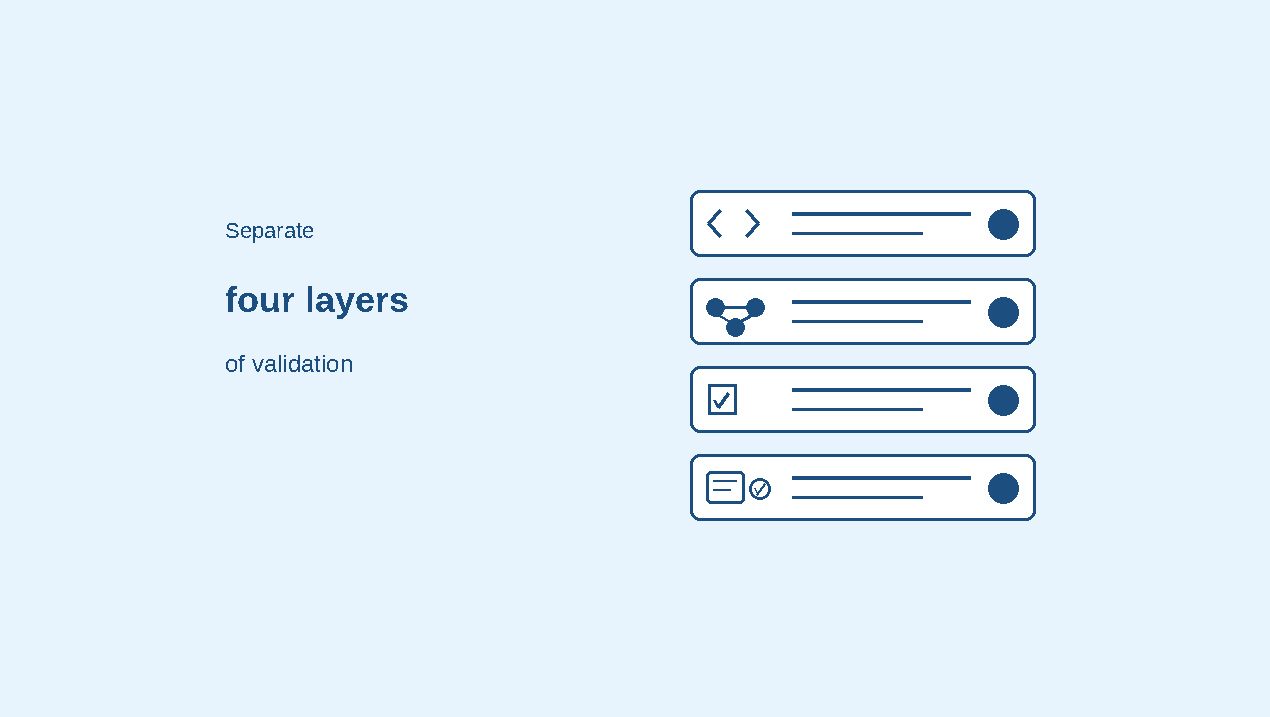
Separate four layers of validation
| Layer | Question | What a pass does not prove |
|---|---|---|
| Syntax | Does the JSON-LD parse? | That the types and properties are appropriate |
| Vocabulary and values | Are the terms recognised and values of suitable types? | That a particular search feature supports the item |
| Feature requirements | Does it meet the current requirements of the selected search feature? | That the feature will appear |
| Content accuracy | Do the marked-up claims match current visible content? | That the claims are independently true without checking their sources |
The Schema Markup Validator and Google’s Rich Results Test have different scopes. Avoid describing all free checkers as syntax-only tools or treating their output as interchangeable. Read what a specific error, warning or valid item actually means.
Worked examples
Three FAQ fields to compare with the page
Check: Each included Question represents a real, accessible question on this page
Mismatch to investigate: A question copied from an unrelated page. Covering only some visible questions is a coverage issue, not automatically invalid vocabulary.
Check: The question accurately represents the visible wording
Mismatch to investigate: A placeholder or materially different question. Whitespace and equivalent formatting differences are not automatically factual errors.
Check: The answer is complete enough to preserve the visible meaning and is current
Mismatch to investigate: An outdated answer, a mismatched answer or truncation that changes the meaning.
Do not invent a rule that every visible FAQ must be marked up in exactly the same order for Schema.org validity. Maintain consistent order for easier review, and use faithful content rather than relying on a green validation label.
Validation workflow
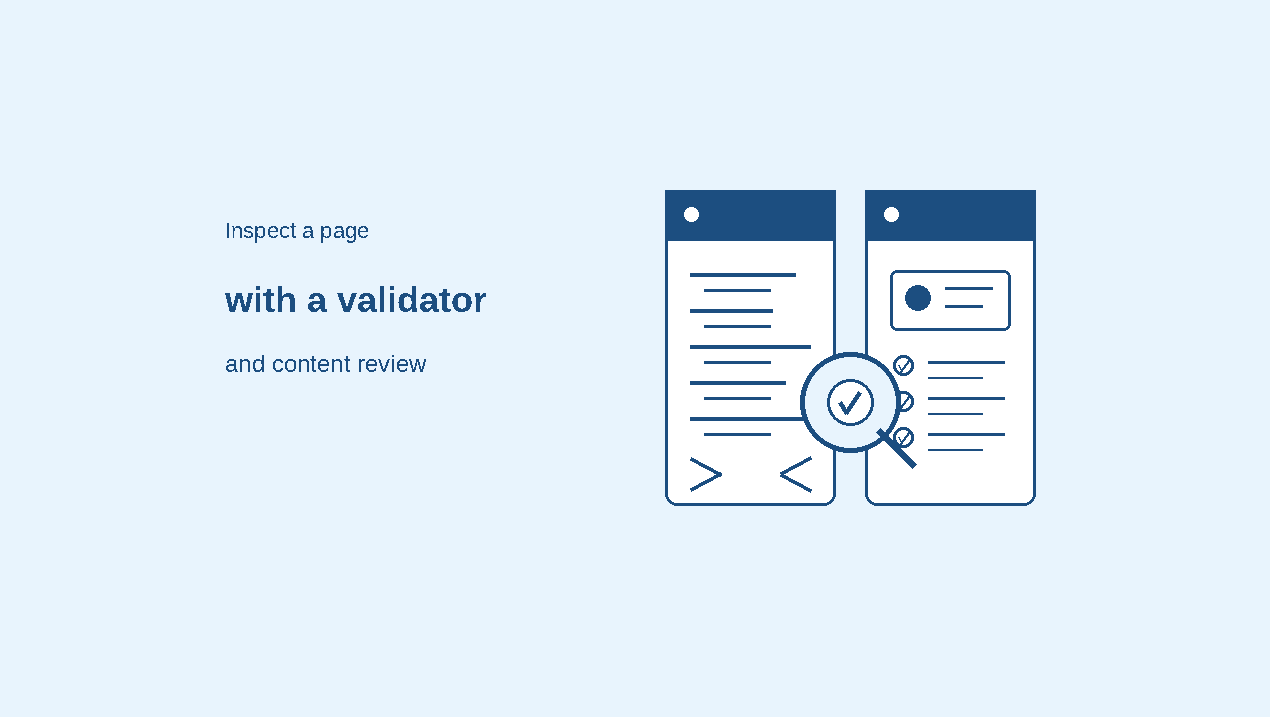
Inspect a page with a validator and content review
-
01
Load the page or markup
Use the Schema Markup Validator for general vocabulary inspection. Pasting raw JSON-LD tests that code; it does not prove the published page contains it.
-
02
Read errors and warnings in context
Check detected types, property names, nested objects and value types. For a currently supported Google feature, also use the Rich Results Test.
-
03
Compare important values
Check names, URLs, prices, dates, availability and answers against the visible page and the underlying source of truth. Include expandable content where it is accessible to readers.
-
04
Retest the actual page
After correcting the implementation, test the page URL again. Review template-generated duplicates and stale values as well as the edited block.
Beyond FAQPage
Apply the same review to other schema types
For Product markup, compare the Offer price and availability with the product page; review counts usually belong to an aggregateRating object, not to Offer itself. For Article markup, compare the author and dates with the visible attribution. For Recipe markup, compare ingredients and instructions with the recipe.
Feature-specific validators can flag required fields and some invalid values. They cannot be assumed to verify every factual claim or every visible-content relationship. Custom automated comparisons may help, but their coverage must be tested.
Use tool findings as a starting point
AI Visibility describes structured-data checks as part of its pillar review. Use such findings to prioritise inspection, then check the actual fields and visible content with the appropriate validator. A product score is not proof of Google feature eligibility.
Common questions
FAQs
Should accurate FAQPage markup be removed because the rich result ended?
Not solely for that reason. It remains a vocabulary type. Keep it only when it accurately describes useful visible content and does not duplicate or contradict another implementation.
Can Google’s Rich Results Test check every Schema.org type?
No. It focuses on supported Google rich-result features. Use the Schema Markup Validator for broader vocabulary checks.
Does valid markup mean the facts are correct?
No. A permitted text or numeric value can still be stale or misleading. Compare it with current visible content and an appropriate source.
Can matching values be checked automatically?
Some workflows can compare extracted page content with structured values. Their capabilities vary; verify the scope and retain manual review for ambiguous or important claims.
Must every FAQ be marked up in the same order?
Do not treat that as a universal Schema.org validity requirement. Each included item should accurately describe accessible content. Matching the visible order can make review easier.
Summary
Check syntax, vocabulary, feature requirements and factual agreement separately. Read validator results within their scope, then compare the important values with the current page. A valid schema block can still contain the wrong information, and a feature-specific pass does not guarantee a search appearance.
Check Google’s structured data guidance alongside the relevant type documentation; a validator result is only one part of the review.
References
Sources and further reading
- Schema.orgSchema Markup Validator
- Schema.orgFAQPage
- Google Search CentralFAQPage structured data documentation
- Google Search CentralHow structured data works
- Google Search CentralArticle structured data




