

Why Does a Website Content Audit Matters

 Jul 10,2026
 By SEO ANALYSER
SEO strategy · Content audit
A website content audit shows what your existing pages are doing, where they fall short and which ones need attention before you publish more.
Short answer
Review what you have before you publish more
A website content audit shows what your existing pages are doing, where they are falling short and which pages need attention first. Without one, content planning quickly becomes guesswork. Publishing more articles does not automatically fix overlapping, outdated or poorly targeted pages.
Overview
What a content audit should tell you
This matters because publishing more articles does not automatically solve a weak content strategy. Your site may already contain useful information, overlapping pages, outdated sections or content that targets the wrong search intent.
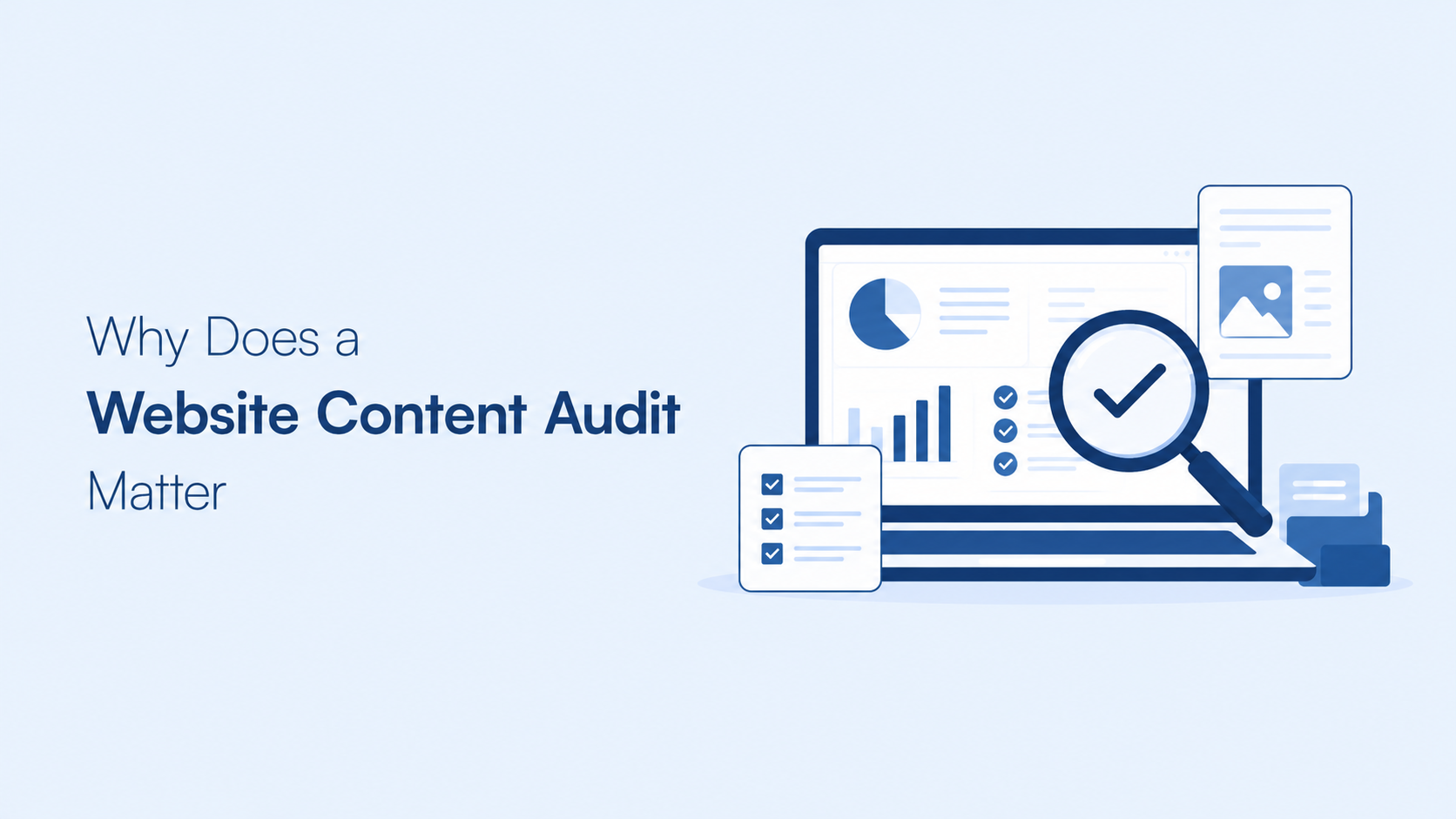
A structured SEO content audit gives you a complete view of those pages. It helps you decide what to keep, update, consolidate or remove before you invest in more content.
A content audit is more than a list of URLs. It combines page information with search performance, content quality, keyword targeting and internal linking.
| Audit question | What to review | Possible decision |
|---|---|---|
| Is the page still useful? | Accuracy, relevance, completeness and search intent. | Keep or update. |
| Does the page receive search visibility? | Impressions, clicks, CTR and average position in GSC. | Improve the title, content or structure. |
| Is another page covering the same subject? | Similar topics, keywords and search intent. | Consolidate or reposition. |
| Does the page support the wider site? | Internal links, topic clusters and commercial relevance. | Add links or change its role. |
| Does the page have strategic value? | Backlinks, conversions, brand relevance and future usefulness. | Keep, redirect or remove. |
Business case
Why a website content audit matters for SEO
Search engines evaluate individual pages, but those pages also operate within the structure of the whole website. If several articles cover the same subject, it may be unclear which page should serve a particular search.
This is one form of keyword cannibalisation. It happens when pages compete for similar searches instead of supporting a clear topic structure. A content audit helps you identify that overlap before producing more pages.
An audit can also reveal pages that receive impressions but few clicks. Those pages may need a clearer title, a better description, stronger alignment with search intent or SEO-friendly content that answers the query above the fold.
Other pages may have little search visibility but still support the business through referrals, internal links or conversions. That is why traffic alone should not decide whether a page stays online.
Process
How to build an SEO content audit
-
01
Start with a complete URL inventory
Begin by collecting the URLs that belong to the website. Include blog posts, service pages, landing pages, category pages and other indexable content.
You can use your XML Sitemap, a crawler or the page reports available in your SEO platform. The important point is to work from a complete list rather than reviewing only the pages you remember publishing.
Separate public content from private pages, feeds, account routes, templates and other URLs that should not compete in search. This prevents those URLs from distorting the audit.
-
02
Connect search and website performance data
Google Search Console can show the queries, impressions, clicks, CTR and average position associated with a page. GA4 can help you review activity after users arrive on the site.
The two sources answer different questions. GSC explains how a page appears in Google Search. GA4 helps you understand what users do after the visit.
SEO ANALYSER helps bring website audit information, search data and traffic analysis into a connected workflow. This makes it easier to review a page from both a search and website perspective.
Do not treat every low-traffic page as a failure. Check whether it has a useful role before deciding what to do with it.
-
03
Record the page-level findings
For every URL, record the information needed to make a decision:
- Current page title and main topic
- Primary keyword and related search terms
- Search impressions, clicks, CTR and average position
- Organic traffic and relevant engagement data
- Backlinks and internal links
- Canonical, indexation and status code
- Content freshness and accuracy
- Role in the wider topic cluster
This record turns a general review into a practical work list.
Decisions
How to classify audit results
-
01
Keep
Keep a page when it is accurate, useful, aligned with the intended search and still has a clear role in the site. Keeping a page does not mean leaving it untouched. It may still need updated links, clearer metadata or small content improvements.
-
02
Update
Update a page when it has a relevant topic but the content is incomplete, outdated or poorly aligned with the queries it receives.
Look at the terms generating impressions. If those searches reflect a useful audience need, update the page and optimise website content so it answers that need directly. Do not add keywords simply because they appear in a report.
-
03
Consolidate
Consolidate pages when they serve the same search intention and neither page has a strong reason to remain separate. Decide which URL should become the primary page, combine the useful information and redirect the weaker URL to the closest relevant destination.
Do not redirect pages to the homepage unless the homepage is genuinely the closest replacement.
-
04
Remove
Remove a page only after checking its backlinks, traffic, conversions, internal links and strategic value. A page with no recent traffic may still be useful if it supports a topic cluster or receives links.
If there is no relevant replacement, a 404 or 410 response may be more appropriate than sending users to an unrelated page.
Structure
Use audit findings to build content pillars
A content pillar is a broad page that introduces a core subject in depth. Supporting articles then cover narrower questions and link back to the pillar where appropriate.
Your audit can show whether the site already has suitable content pillars, several disconnected articles or a topic with no clear central resource.
For example, a website may have articles about technical SEO, content audits and keyword research without a clear structure connecting them. The solution may involve improving an existing pillar rather than publishing another general article.
What makes a useful content pillar?
- It has a clear subject and search purpose.
- It answers the main questions a reader has about that subject.
- It links naturally to relevant supporting content.
- It receives links from supporting pages where appropriate.
- It is updated when important information changes.
A pillar should not exist only to hold keywords. It needs to be useful as a standalone page.
Internal linking
Map content clusters after the audit
A content cluster connects one broad topic with supporting pages that answer narrower questions. Internal linking helps users and search engines understand how those pages relate to one another.
Use your audit to identify pages that belong to the same subject. Then check whether they have a suitable pillar, whether the links point to the correct pages and whether any important article is isolated.
- 01
Choose the central topic
Choose the central topic from the audit findings.
- 02
List related pages
List the existing pages related to that topic.
- 03
Identify the pillar
Identify the page that should act as the pillar.
- 04
Link supporting articles
Link supporting articles to the pillar where the connection is useful.
- 05
Record missing subtopics
Record missing subtopics as future content briefs.
A cluster should be based on real topic relationships. Do not add internal links simply to meet a target number.
Queries
Use the audit to find keyword opportunities
A content audit shows which keywords your pages already target and which searches they appear for in practice. Those two things are not always the same.
A page may target one phrase but receive impressions for a related question. That can indicate a content opportunity, a title problem or a mismatch between the page and search intent.
The Queries report in Google Search Console is useful for this review. Filter the data by page and compare the queries against the actual content on the URL.
SEO ANALYSER can support this process by helping you review keyword information connected with your content. Use the result to make a page-level decision, not to add every available phrase to the article.
Prioritise pages using impressions and clicks
Pages with impressions but few clicks deserve a closer look. Check whether the title and description communicate the value of the page. Then review whether the opening content matches what the searcher is trying to find.
Pages with low impressions may require a different decision. They may need stronger internal links, a clearer topic, better coverage or consolidation with another URL.
Automation
How AI SEO analysis supports a content audit
An AI SEO analysis can help organise website findings, content information and keyword opportunities. Its value depends on whether the output is connected to specific pages and clear decisions.
SEO ANALYSER provides website audit data and supports AI-assisted content creation and optimisation. This can help marketers move from identifying a content problem to preparing a draft or improvement plan.
AI should not decide automatically that a page must be deleted, redirected or rewritten. Those decisions require context. A page may have little traffic but still support a commercial journey, topic cluster or important reference.
Before publishing AI-assisted content, review its claims, examples, links, keyword usage and search intent. Do not retain invented statistics or unsupported case studies.
Next steps
Turn audit findings into a content plan
Once the audit is complete, group the work according to impact and effort. The schedule depends on the size of the site and the resources available, but the decisions should shape your SEO content rather than a random list of topics.
Immediate work
- Fix indexation or canonical problems on important pages.
- Correct broken internal links and redirect chains.
- Improve titles and descriptions on pages with relevant impressions.
- Update content that is inaccurate or materially out of date.
Planned work
- Rewrite pages with a clear topic but weak search alignment.
- Consolidate pages competing for the same search intention.
- Build missing pillar pages and supporting cluster content.
- Add internal links between related pages.
Review work
- Monitor pages after significant changes.
- Compare search visibility with website behaviour.
- Recheck pages that remain weak after a reasonable observation period.
- Record whether the original audit decision should change.
A practical next step
Where SEO Analyser fits
SEO Analyser includes a module named Website Audit.
Common questions
FAQs
Why does a website content audit matter for SEO?
A content audit shows which pages are useful, which need improvement and which may overlap with other URLs. It gives your content strategy a clearer basis than publishing new articles without reviewing the existing site.
How often should I run a content audit?
The right schedule depends on how often the site changes, how much content it contains and whether important information changes regularly. A full review can be supported by smaller checks of priority pages and recently updated content.
What is the difference between a content pillar and a content cluster?
A content pillar covers a broad subject and acts as a central resource. A content cluster is the group of related supporting pages that explore narrower questions and connect with the pillar through relevant internal links.
How do I find the right keywords during a content audit?
Review the queries that generate impressions for each page in Google Search Console. Compare those queries with the page topic, title and search intent. If there is a clear mismatch, decide whether the page or content plan needs to change.
Can a content audit help with content planning?
Yes. The audit can show which pages need updates, which subjects need supporting content and where consolidation may be necessary. Those findings can then be turned into a prioritised editorial plan.
What should I do with underperforming content?
First check its relevance, backlinks, internal links, conversions and search potential. Update a relevant page, consolidate overlapping content, or remove the URL when it has no useful purpose and no suitable replacement is available.
Summary
A website content audit reviews the pages already published on your site and shows what should be kept, updated, consolidated or removed. It connects content quality with search visibility, keyword targeting, internal linking and the wider role of each URL.
Once the audit is complete, you can build clearer content pillars, map related clusters, identify keyword gaps and create a prioritised editorial plan. SEO ANALYSER can support this work with website audit data, keyword information, AI-assisted content optimisation and connected performance analysis.
References
Sources and further reading
- SEO AnalyserSEO content audit
- SEO AnalyserTopic clusters and pillar pages
- SEO AnalyserHow to optimise website content
- SEO AnalyserWhat makes SEO-friendly content work
- SEO AnalyserMaster SEO content
- SEO AnalyserWebsite Audit




