

AI SEO Analyzer

 Aug 09,2026
 By SEO ANALYSER
AI SEO analyzers
See what an AI SEO analyzer tool checks, how automated audits work, and how to prioritise findings without over-trusting scores.
Short answer
An analyzer crawls evidence; it is not Google’s verdict
An SEO analyzer is a third-party tool that crawls accessible pages, checks technical and on-page signals, and turns its findings into a prioritised report. An AI-assisted SEO analyzer may also explain, classify, or prioritise those findings. It does not see your website exactly as Google does, and a clean score does not guarantee higher rankings.
Start here
Start with evidence from your own site
Run an online website audit first, then use this guide to decide which findings deserve attention and which ones need verification.
Definition
What is an SEO analyzer?
An SEO analyzer is software that inspects a website for issues that may affect crawling, indexing, search appearance, usability, or organic performance. In British and Australian English, the same tool is commonly called an SEO analyzer. The spelling changes; the purpose does not.
The important distinction is between an audit tool and Google itself. A third-party crawler can request pages, render some JavaScript, follow internal links, and inspect HTML in ways that resemble a search crawler. It cannot reproduce Google’s crawl scheduling, indexing systems, canonical selection, or ranking systems. Google also states that even pages meeting its technical requirements are not guaranteed to be crawled, indexed, or served in results.
That makes an analyzer a diagnostic tool, not a verdict. Its strongest use is finding evidence you can verify: a page returning a 404 response, a canonical pointing to the wrong URL, an important page marked noindex, or a template producing the same title across hundreds of pages. Many teams begin with a free AI SEO analyser to collect that crawl evidence before they commit to a broader workflow.
No crawler can promise to inspect “every page” unless it has a complete URL source, permission to access those URLs, enough crawl capacity, and support for the way the site renders content. Passwords, robots rules, orphan pages, crawl limits, JavaScript, and server errors can all change what the tool sees.
Audit process
How an AI-assisted SEO audit works
A reliable audit separates collection from interpretation. The crawler first gathers evidence; a rules engine and, in some products, an AI layer then explain what that evidence may mean.
- 01Set the crawl scope. The tool starts from a homepage, sitemap, uploaded URL list, or connected data source. It follows accessible links within the limits you select. This scope determines which conclusions the report can safely make.
- 02Collect page-level evidence. It records status codes, directives, canonicals, titles, headings, internal links, structured data, image attributes, content signals, and performance data supported by that particular product.
- 03Apply rules and context. Deterministic checks identify concrete conditions such as a broken link. An AI layer may summarise patterns, classify intent, compare related pages, or explain why a finding matters. AI does not turn an unknown ranking factor into a known one.
- 04Verify and recrawl. A recommendation should be checked against the page, the business goal, and first-party data. After a technical fix, recrawl immediately to confirm the implementation; then monitor Search Console and analytics over the following weeks for performance changes.
Useful reports
What a useful SEO report should contain
A useful report does more than count warnings. It shows the affected URL, the evidence behind each finding, the likely consequence, the recommended action, and a way to confirm that the fix worked.
| Report area | What it can check | Important limitation |
|---|---|---|
| Crawl and indexability | Status codes, robots directives, canonicals, redirect paths, crawl depth | A crawler cannot confirm that Google has indexed a URL; verify with Search Console |
| On-page signals | Titles, headings, descriptions, internal links, structured data | A pass/fail rule cannot prove that a page satisfies search intent |
| Performance and UX | Core Web Vitals, page weight, rendering issues, mobile layout checks | Lab tests and real-user field data answer different questions |
| Content analysis | Duplication, overlap, thin sections, entities, readability, topic coverage | Word count alone does not determine quality or ranking potential |
| Links and authority estimates | Internal link structure and, when a link index is connected, backlink patterns | Third-party authority scores are estimates, not Google ranking scores |
Finding: state the exact condition and affected URLs, not a vague score. Evidence: show the response, tag, metric, or link path that produced the finding. Verification: explain how to test the fix and which outcome should change.
AI vs rules
AI SEO analysis vs rule-based checks
Rule-based crawler
Best for repeatable facts: a URL returns 404, a title is missing, a canonical conflicts, or an internal link cannot be followed. These checks are transparent and easy to reproduce.
AI-assisted analysis
Best for interpreting patterns: grouping similar issues, explaining technical language, classifying page intent, identifying possible content overlap, and turning a large crawl into a workable sequence of actions.
The strongest products combine both layers. Rules establish what happened; AI helps explain why it may matter. Treat any AI-generated recommendation as a hypothesis until the underlying evidence supports it. For a deeper comparison, see how AI-assisted analysis differs from a standard report.
The more concrete the finding, the easier it is to trust. “This URL returns 404” is directly testable. “This page will not rank” is a prediction and needs far more evidence.
Prioritise findings
How to prioritise SEO analyzer findings
Do not work through a report from top to bottom. The framework below helps you prioritise SEO fixes by impact, affected page value, number of URLs, and confidence in the evidence.
| Priority | Handle first when | Examples |
|---|---|---|
| P1: Access blockers | Search engines may be unable to crawl, render, or index important pages | 5xx errors, accidental noindex, blocked resources, incorrect canonicals |
| P2: High-value pages | The issue affects pages responsible for leads, sales, or high impressions | Wrong intent, weak internal links, duplicate templates, poor title targeting |
| P3: Scaled quality and UX | One template-level problem affects many URLs or real users | Core Web Vitals, navigation friction, repeated thin category copy |
| P4: Editorial hygiene | The fix improves clarity but is unlikely to change performance by itself | One missing description, minor heading inconsistency, decorative image alt |
A tool’s “critical” label is an opinion, not a Google classification. A missing meta description on a low-value archive may be less important than a canonical error on a product page, even when the report assigns both a warning.
Common issues
Common issues worth investigating
- Important pages excluded by a noindex directive or an incorrect canonical
- Orphan pages that are present in a sitemap but receive no useful internal links
- Redirect chains, broken links, or server errors that interrupt navigation and crawling
- Template-level duplication across titles, headings, or near-identical URL variants
- Informative images missing useful alt text, affecting accessibility and image understanding
- Poor Core Web Vitals or mobile layouts that create measurable user friction
- Structured data that conflicts with visible content or fails eligibility requirements
- Pages competing for the same intent without a clear primary destination
Not every warning is a ranking problem. For example, Google may create a search snippet from visible page content instead of using the supplied meta description. A missing description is still worth reviewing for important pages, but it should not automatically outrank an indexing failure.
Worked example
Worked example: from finding to verified fix
A retailer notices that a group of product pages receives almost no impressions. The audit finds 64 product URLs whose canonical tags point to their parent category because of a template error.
Evidence: each product URL returns 200, but its canonical names a different category URL. Action: correct the template so each unique product page references the intended canonical. Immediate verification: recrawl the affected URLs and inspect several examples in Search Console. Performance measurement: monitor indexing status and impressions over the following weeks.
This sequence separates implementation success from ranking impact. The code fix can be verified immediately; changes in crawling, indexing, and search performance may take longer.
Tool comparison
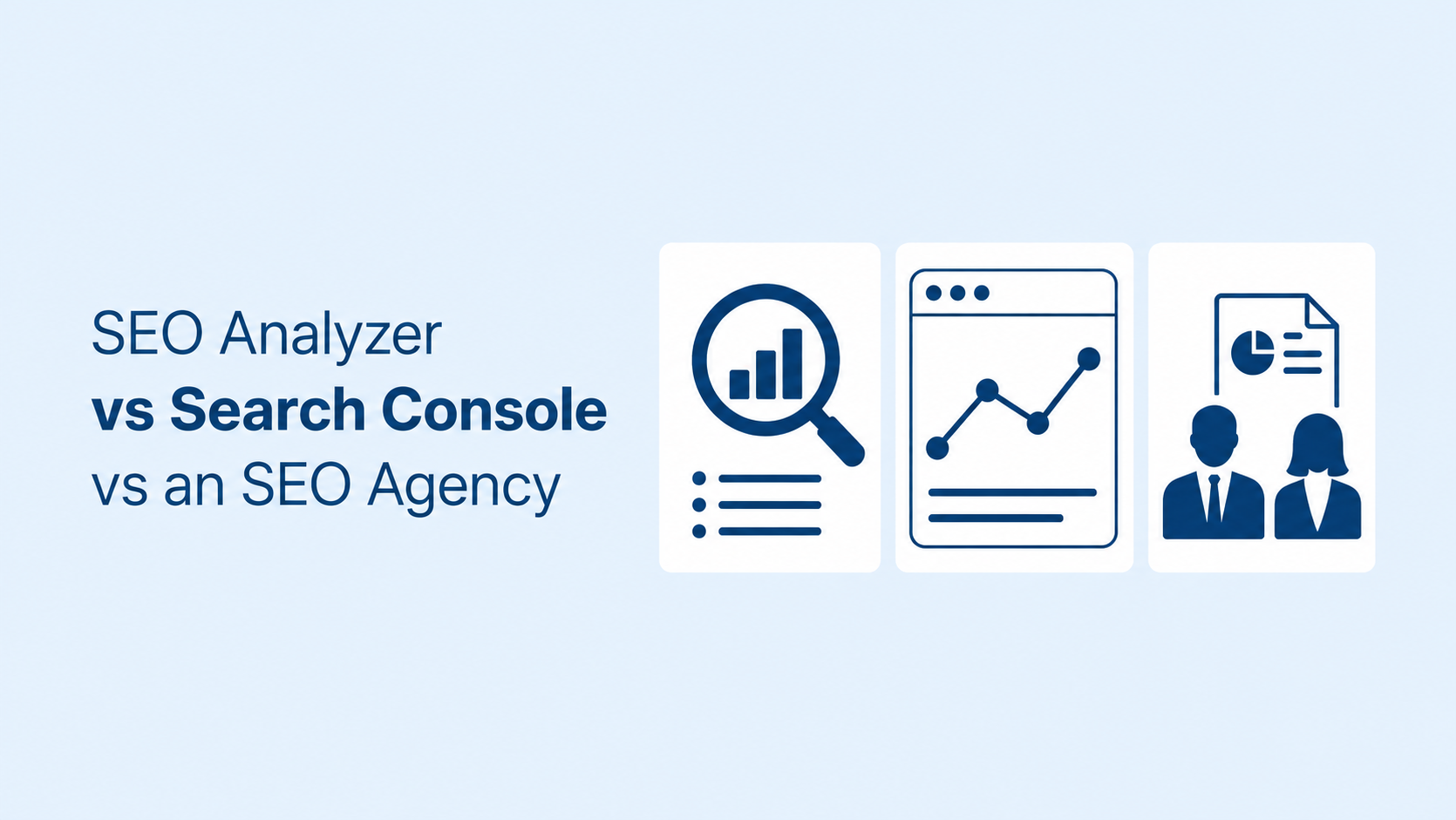
SEO analyzer vs Search Console vs an SEO agency
These options solve different parts of the problem. An automated audit is most useful when it complements first-party data and human judgement. When you need to choose an AI SEO analyzer, weigh crawl evidence and reporting clarity against how the tool fits your workflow alongside Search Console.
| Option | Best at | Typical blind spot |
|---|---|---|
| SEO analyzer | Repeatable crawling, pattern detection, issue inventory, recrawl verification | Business priorities, brand constraints, and the true cause of every performance change |
| Google Search Console | Google-specific indexing information, queries, impressions, clicks, and inspection data | It is not a complete site crawler or a full diagnostic workflow |
| SEO professional or agency | Strategy, interpretation, implementation planning, competitive context, analytics, and trade-offs | Quality and scope vary; recommendations should still be tied to evidence |
Small businesses can handle many straightforward fixes themselves, but JavaScript rendering, server configuration, site migrations, complex canonicals, and performance engineering may require a developer or experienced SEO. If you want the technical workflow, use this step-by-step technical SEO audit guide.
Audit cadence
How often should you run an SEO audit?
- Monthly light check: review new errors, important pages, performance alerts, and changes in Search Console.
- Full audit every three to six months: appropriate for most active small and mid-sized sites. High-change ecommerce, publishing, or marketplace sites may need more frequent crawling.
- Immediate audit after major changes: crawl after a redesign, migration, template release, navigation change, or sudden organic decline.
- Immediate recrawl after a fix: confirm the technical change now; measure indexing, traffic, and ranking outcomes over time.
Limitations
Limitations and false positives
An automated report is valuable because it is consistent and scalable. Those same strengths can create false confidence when a score is treated as a complete SEO strategy.
- A crawler may miss URLs outside its discovery sources or crawl limits.
- It cannot guarantee that Google will crawl, index, or rank a page.
- Lab performance data may not match real-user field data.
- AI explanations can sound confident even when the underlying recommendation is uncertain.
- Content quality, legal restrictions, brand voice, margins, and customer value require business context.
- Backlink and authority data depend on the provider’s own index and methodology.
- Some AI platforms can draft titles, descriptions, alt text, or copy, but publication still requires human review.
Domain Authority, Domain Rating, and proprietary authority scores are third-party estimates. They can help with relative comparison, but they are not scores published or directly used by Google. Evaluate the underlying links, relevance, and traffic evidence rather than optimising for one number.
SEO Analyser
Turn the guide into a real action list
SEO Analyser includes a module named Website Audit. Use it to find affected URLs, review the evidence, and focus on the fixes that matter most for your site.
Frequently asked questions
AI SEO analyzer FAQs
What does an SEO analyzer actually check?
Capabilities vary. Most tools inspect crawlability, status codes, titles, headings, internal links, image attributes, canonicals, and basic content signals. Performance, structured data, backlinks, Search Console data, or AI content analysis may require separate modules or integrations.
Is an AI SEO analyzer accurate enough to trust?
Trust directly testable findings more than predictions. Status codes and HTML directives are usually straightforward to verify. Severity, content quality, intent, and ranking impact need human judgement and supporting data.
How long does an SEO audit take?
A small site may crawl in minutes, while a large or JavaScript-heavy site can take much longer. Crawl limits, rendering, rate settings, external APIs, and the number of URLs all affect completion time.
Can I fix SEO issues without hiring an expert?
Many editorial fixes can be handled in a CMS. Changes involving server responses, JavaScript rendering, complex canonicals, migrations, or Core Web Vitals may require technical support. Start with high-confidence findings and keep a rollback path.
Will a higher audit score improve rankings?
Not automatically. A score summarises the tool’s own checks. Fixing real access, relevance, quality, and user-experience problems can improve your position, but Google uses many signals and no audit score guarantees a result.
Summary
An SEO analyzer is most useful when it turns crawl evidence into a clear decision: what happened, which URLs matter, what should change, and how the fix will be verified. Rule-based checks provide repeatable facts; AI can help interpret and prioritise them, but it does not replace evidence or human judgement.
Fix access blockers first, then focus on high-value pages and scaled problems. Recrawl immediately after technical changes, and use Search Console and analytics to measure the longer-term effect. The goal is not a perfect tool score. It is a website that search engines can access and users genuinely find useful.
References
Sources and further reading
- SEO AnalyserWebsite Audit
- SEO AnalyserFree AI SEO analyser
- SEO AnalyserHow to choose an AI SEO analyzer
- SEO AnalyserHow SEO Analyser AI prioritises fixes
- SEO AnalyserGaps standard SEO reports miss
- SEO AnalyserTechnical SEO audit guide


